← All articles
How a contact form loses clients
Small things in a form that stop people from pressing “Send”, and how to fix them.
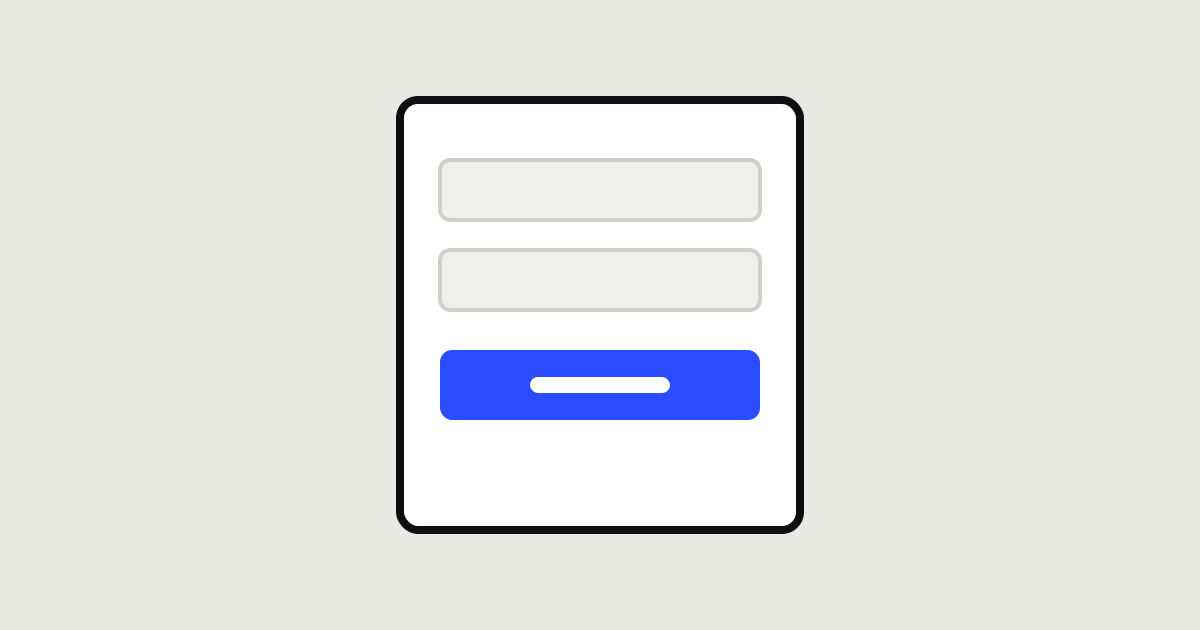
The contact form is the last step between a visitor and a client. The person has already decided to get in touch, yet this is exactly where many of them stop. The reasons are usually small and easy to fix.
The most common mistakes
- Too many fields. Every extra field is one more reason to change your mind. For a first contact, a name and a phone number or email is often enough.
- It’s unclear what happens next. Write next to the button: “We’ll reply within an hour during business hours.”
- A “Send” button. It promises nothing. “Get a consultation” or “Book now” works better.
- Errors without explanation. “Invalid format” with no hint of the right format is the most irritating of all.
- A puzzle captcha. Spam protection can be invisible to humans.
After sending
- Show a clear confirmation that the enquiry was received.
- Send a copy by email or messenger.
- And most importantly, actually reply quickly. The best form won’t help if an enquiry waits a week for an answer.
Fill in your own form on a phone. If it takes longer than 30 seconds, it should be simplified.